1. Why they say "The human brain is a sofisticated coomputer"?
Because the word "computer" refers to an object that can accept some input and produce some output
2. A computer is an electronic device containing: A microprocessor
3. Microprocesor is capable carrying out: Complex calculations in the blink of an eye
4. Write the characteristics of a PC
Is designed for use by one person at a time, runs an operating system to interface between the user and the microprocessor, has certain common components like CPU and RAM, runs software applications for specific work or play activities, allows for adding and removing hardware or software as needed.
5.What the Altair 8800 is?
Altair is the first PC that was created in 1970s
6. List the core PC component:
Case
Motherboard
Power Supply
CPU
RAM
Drives
Cooling device
Cables
Graphic components
Ports
Peripherals
Expansion slots
7. Do you think the size of the case matters? Why?
Yes, it matters because if the case is bigger you can put more components that could be not necesary but can improve a lot your a lot your PC
9. Where is the microprocessor? It´s called "the brain", why?
The microprocessor is on the motherboard
It´s caled "the brain" because it can do complex calculations
10. Which simile it is used to describe the RAM and its relation with the CPU. Explain with your own words
"The RAM is to the CPU as a countertop is to a cook"
Is a too important part to make the CPU works properly
11. Do you think the amount of RAM is essential for the speed of a computer? Why?
Yes, because if you have a lot of RAM your PC will be faster than if you have a bit of RAM
12. Insert an image of a RAM

13. What is SATA, thunderbolt and USB? Insert an image of each. Look for this information on the internet.
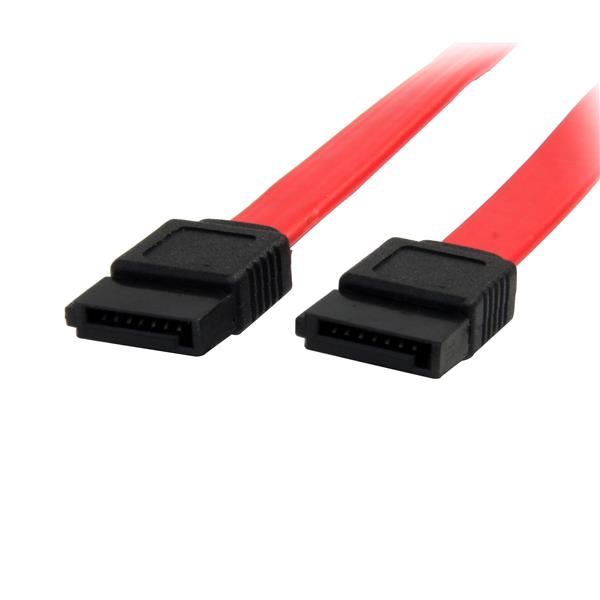
SATA: Is a standard for connecting and transfering data from hard disc drives
Thunderbolt:Is a hardware interface standard developed by Intel that allows the connection of external peripherals to a computer

USB: Is an industry standard that stablishes specifications for PC and their peripheral devices

14. What it is used to cool the PC?
The cooling devices like a water-cooled system
15. Fill the gaps:
Cable are designed to carry data, power or both.
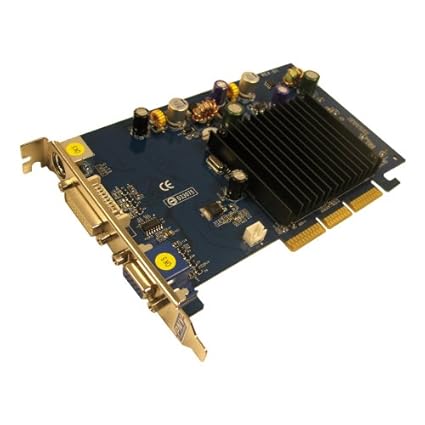
The motherboard accepts video cards based on a specific interface, such as the older AGP standard or one of the newer PCI standards.
16. Look an image of slots AGP and PCI
AGP:
PCI:

17. List some of the ports you´ll find on a PC
USB Ports
Network Ports(Ethernet)
Video Ports
Audio Ports
Legacy Ports
18. Can you find parallel printer ports and PS2 in old computers or in new ones?
In old computers
19. What is the meaning of the acronym USB?
Universal Serial Bus
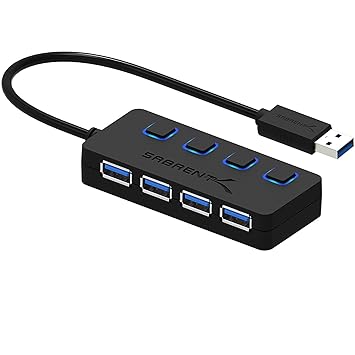
You could have a mouse, keyboard, printer microphone and webcam all running on USB technology , so the obvious question is, "How do you hook up all devices?"
Using an USB hub
21. What kind of ports are firewire and ethernet? Insert an image of a firewire and a ethernet cable
Ethernet: Is a method of cabling that connect devices
/001_817548-5b871976c9e77c0082a6e683.jpg)
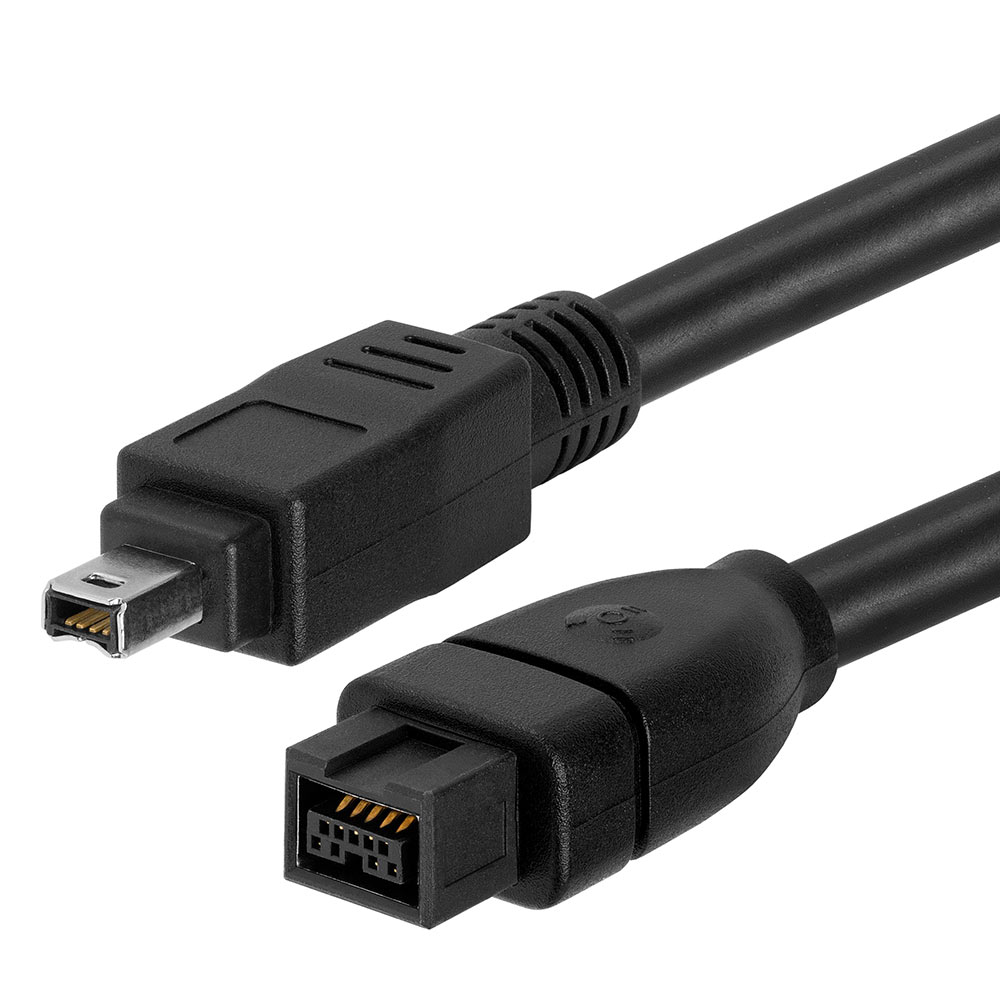
FireWire: Is a way to connect different pieces of equipment so they can easily and quickly share information
22.HDMI is more than a port on the back of a TV. It´s a set of rules for allowing high- definition electronic devices to communicate.
1. Insert an image of this cable

2. What kind of port is HDMI?
A video port
23. Fill the gaps
Everything you can port in to a port on the PC is one of the USB devices
Using USB hub, you can add extra video cards, network cards, printer ports, TV receivers and many other custom aditions
24. What is called the boot process, or booting the PC?
Means start something for very beginning
25. The boot process is controlled by the BIOS. Nowadays called UEFI (Unified Extensible Firmware Interface)
26. Watch the video and fill the gaps
The UEFI was develop to simplify and secure the pre boot environment preventing injection of dangerous code and to improve interopelabillity between systems
UEFI supports 32-bit or 64-bit processor mode

No comments:
Post a Comment